01
Switch models Compare on one prompt
Tap to change models and compare in context. Iterate faster toward the visual style that fits.
Illustration · Animation · Characters
The same line can feel totally different depending on the model. Build original characters, then turn them into illustrations or animation.
Switch models as you explore, then list what you make—one flow from making to sharing. Includes prompt assist and auto-translation.
Model options
App Store rating
Ease of use
Download
How it flows
Pick a model, get help wording prompts, publish—all the steps that usually mean jumping between apps, together here.
01
Tap to change models and compare in context. Iterate faster toward the visual style that fits.
02
Improvement hints and translation help smooth the drafting step so wording stays effortless.
03
Set price and listing details. Buyers in the feed discover your work digitally—no juggling extra storefronts.
Model differences
Changing model shifts mood and technique at once—try them alongside each other until one clicks.
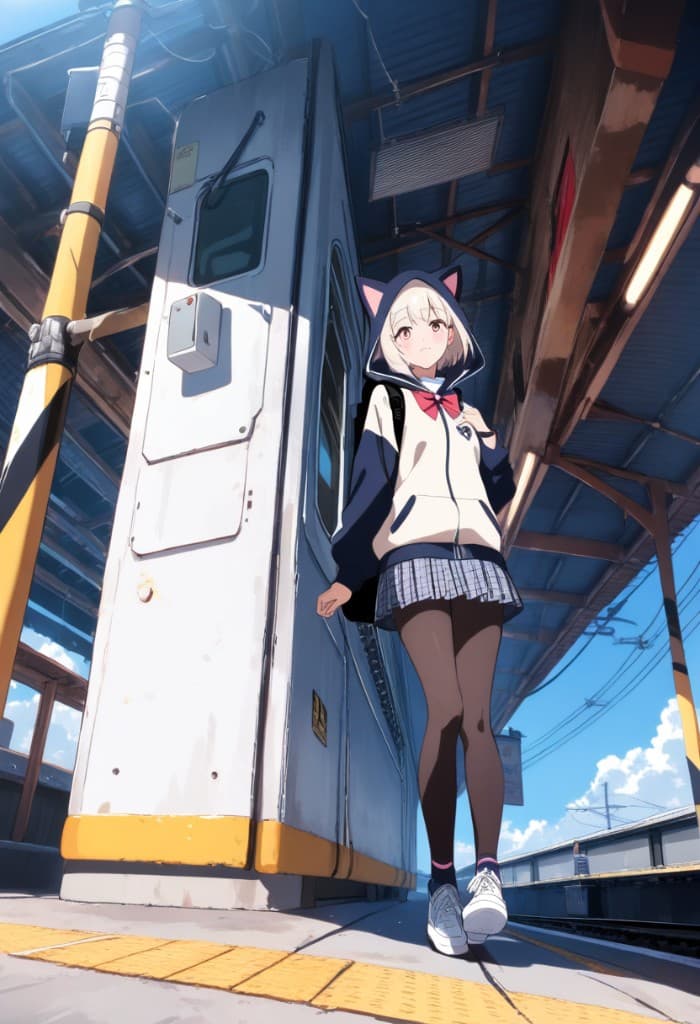
Flux 2 Pro
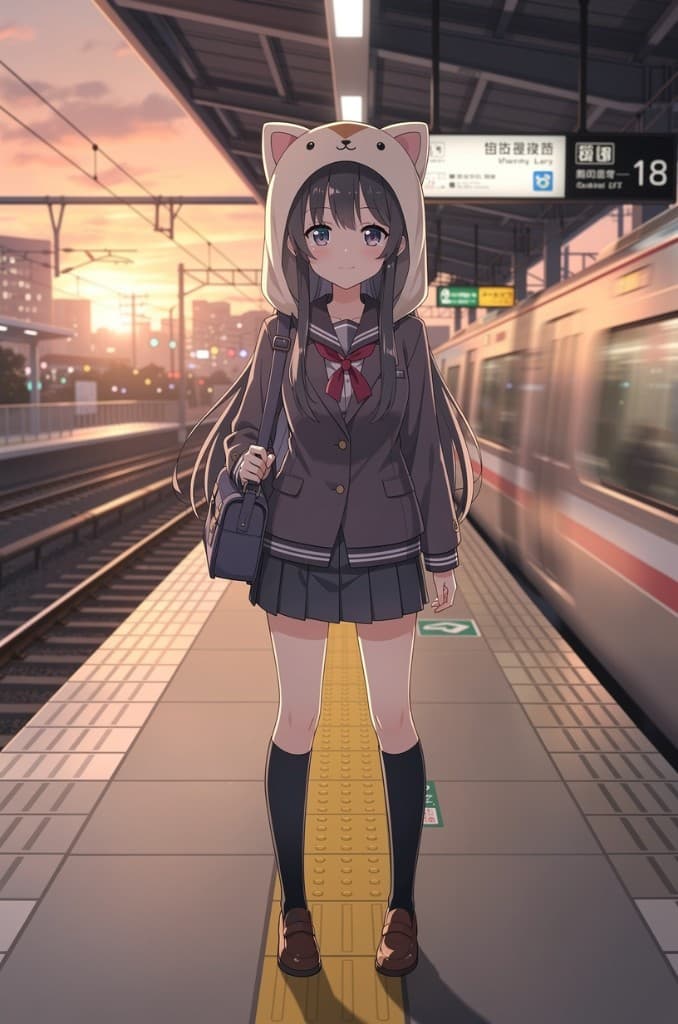
GPT Image 2
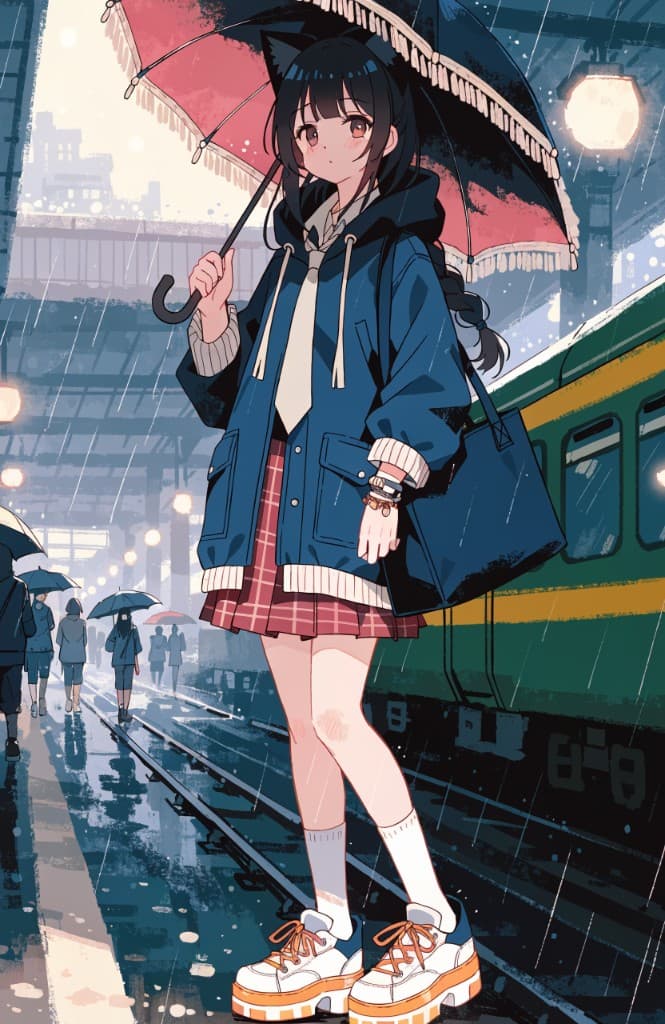
Recraft V4
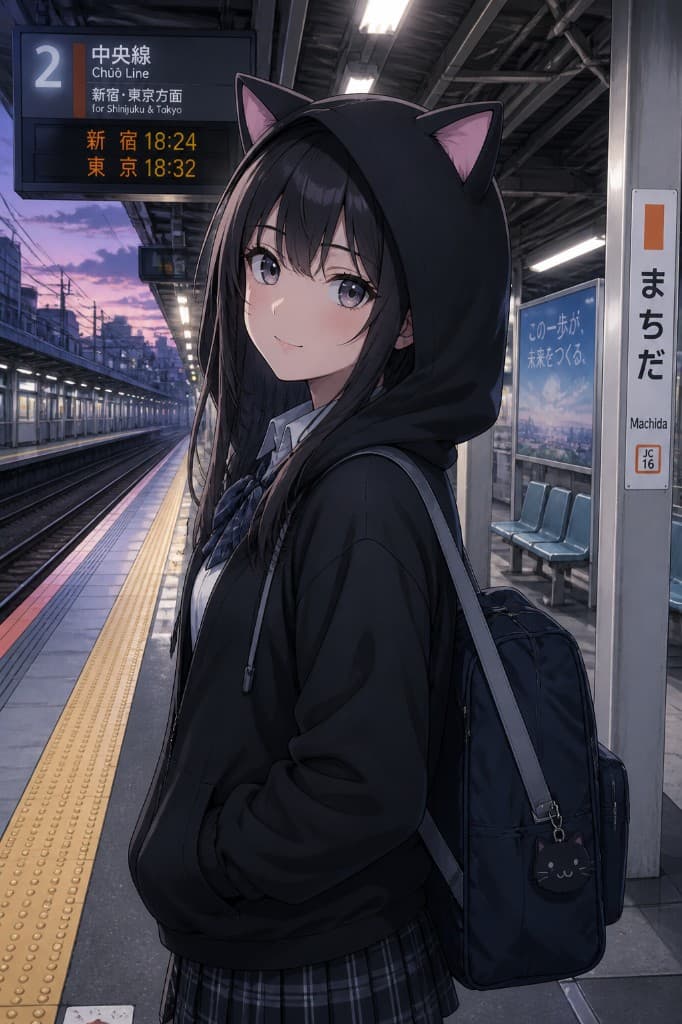
Animagine
Characters · Animation
Start with a character, then expand toward an anime-like scene—with layout, motion, and effects as you like. Below is how that progression can look.
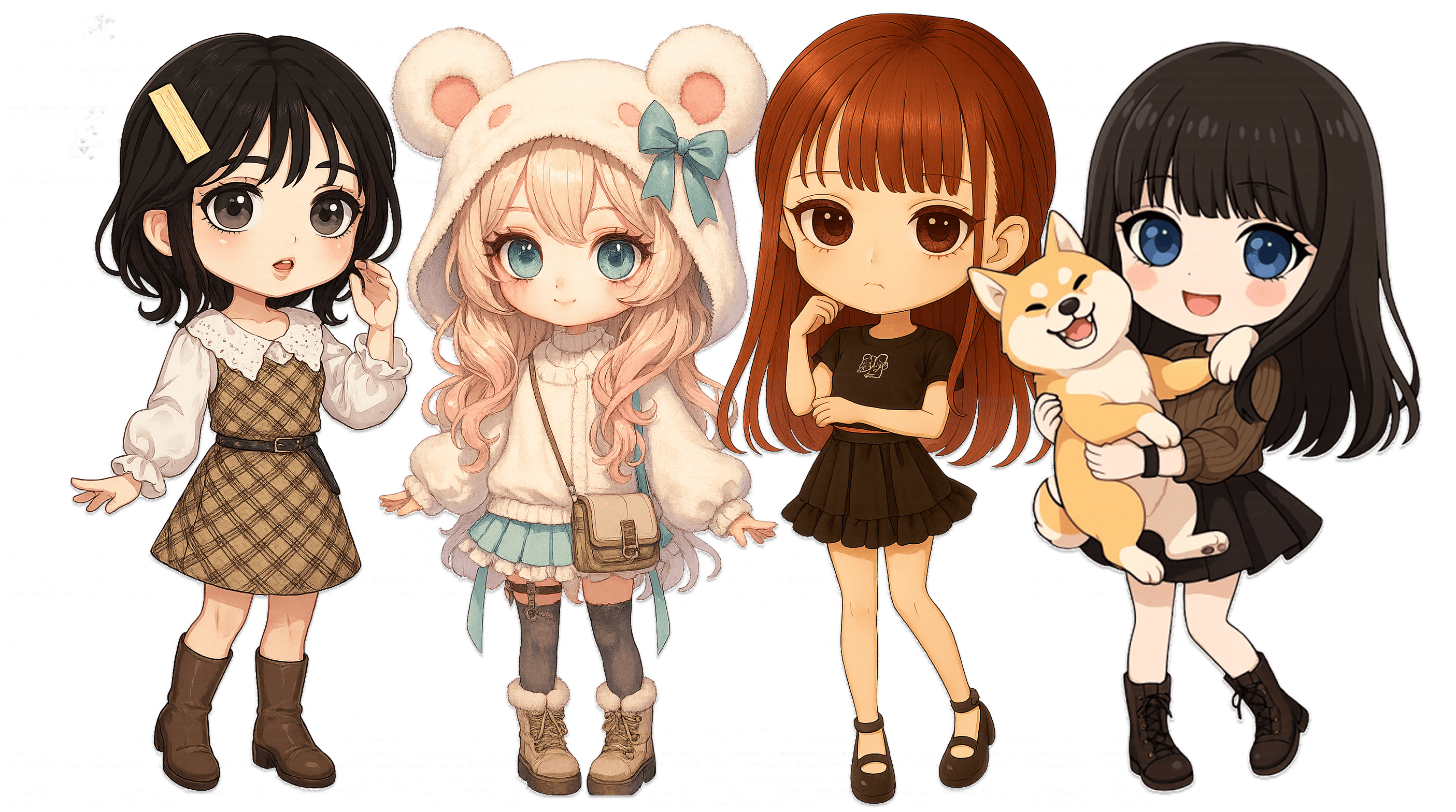
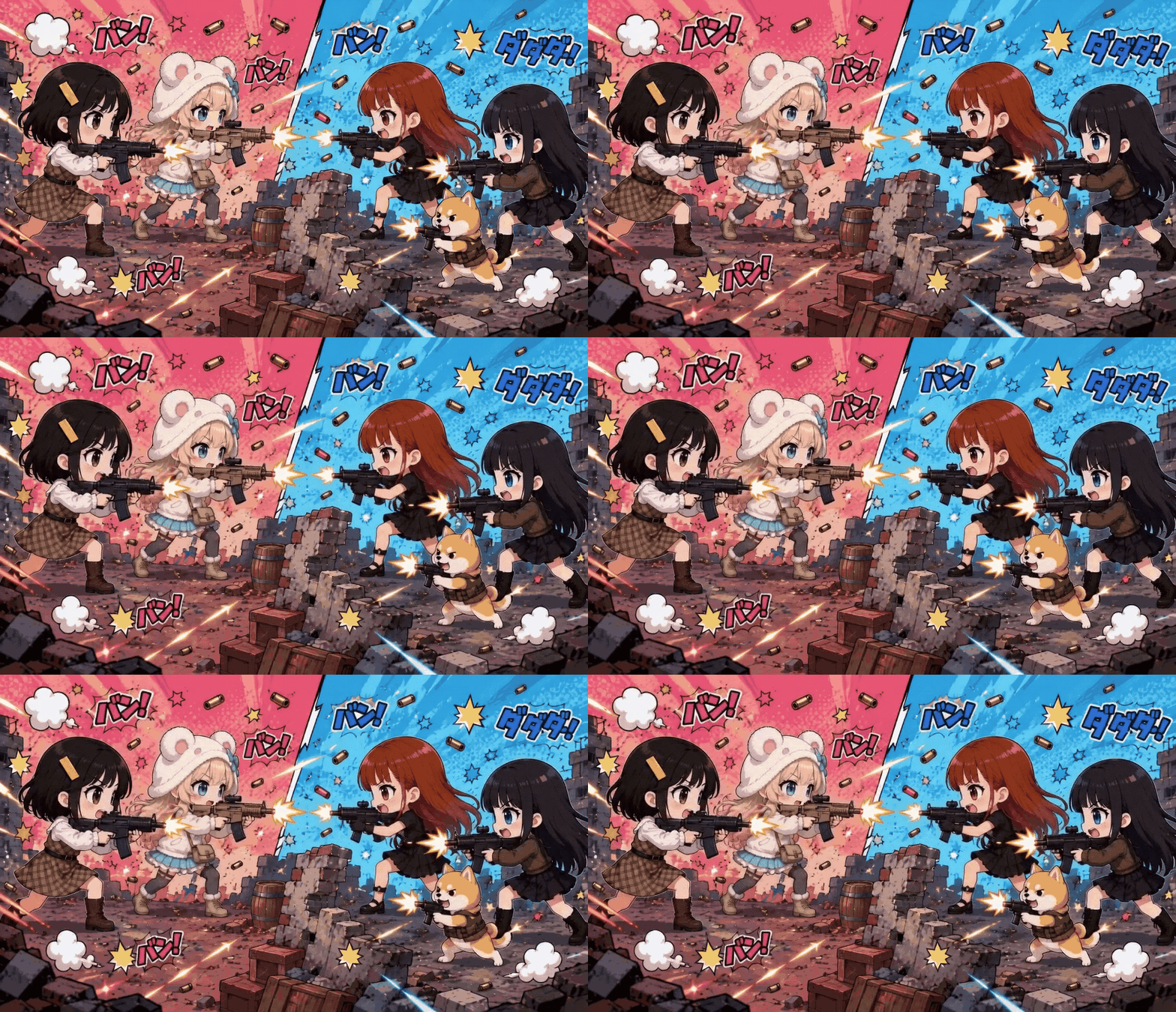
Pick a character and create from prompts
Select a saved character—keep visuals and notes aligned while you generate imagery or clips from prompts.
Reference images for backgrounds
Beyond text cues, attaching reference imagery helps steer background mood and framing.
Refine shot by shot
Dial in framing, motion, and effects toward a deliberate still frame or single scene.
AI character · Calls
Connecting

Nico
Call · 0:42
“Glad we could hang out. Where should we start?”
Light chat fits natural day-to-day use. Voices feel vivid and immersive—conversation flows like chatting with friends through the microphone.
Everyday talk
Casual threads or small talk—steady back-and-forth without feeling strained.
Natural pacing
Inflection and pauses resemble human pacing so dialogue feels organic.
Friendly tone
Relax into an upbeat teammate vibe—not stiff, just fun chatter.
Sales UI (sample)
※Titles/prices illustrative. Sell your artwork here.
Twilight girl #003
Still · Download · Commercial OK
¥1,200
Cyber city Vol.2
Video · Download · Commercial OK
¥2,800
Morning mist portrait #08
Still · Download · Commercial OK
¥1,600
Listings
Sell your creative work. Add price and details—fans who love it can buy, download, and use it commercially. From publish to sale stays in one flow.
Start
Free download on the App Store.
Start with whichever model intrigued you.
Android version coming.